Replay, share and review your hands.
N2H (Numbers to Hands) turns your PokerStars and CoinPoker hand histories into replays, reports, leaks and pool exploits, on your own computer.
For Windows. macOS planned.
Replay any hand, one step at a time.
The replayer opens in its own window, and the arrow keys step through a hand or jump to the next. Facing a bet, you see the pot odds. When every hand still in is face up, each player's equity is shown.
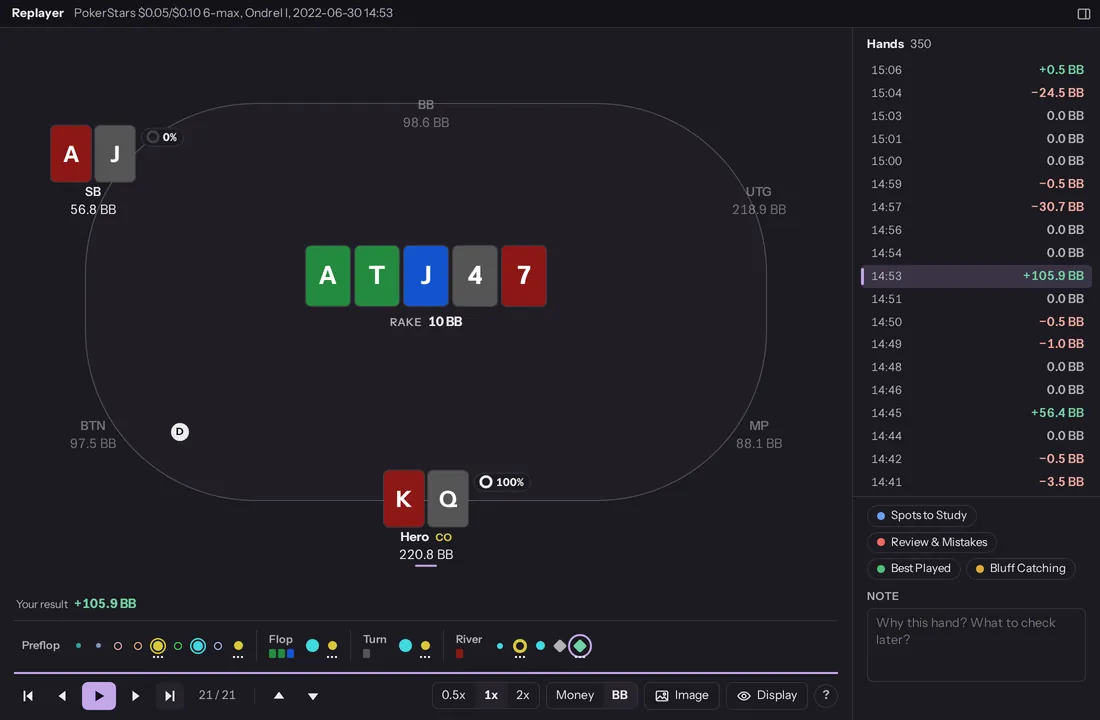
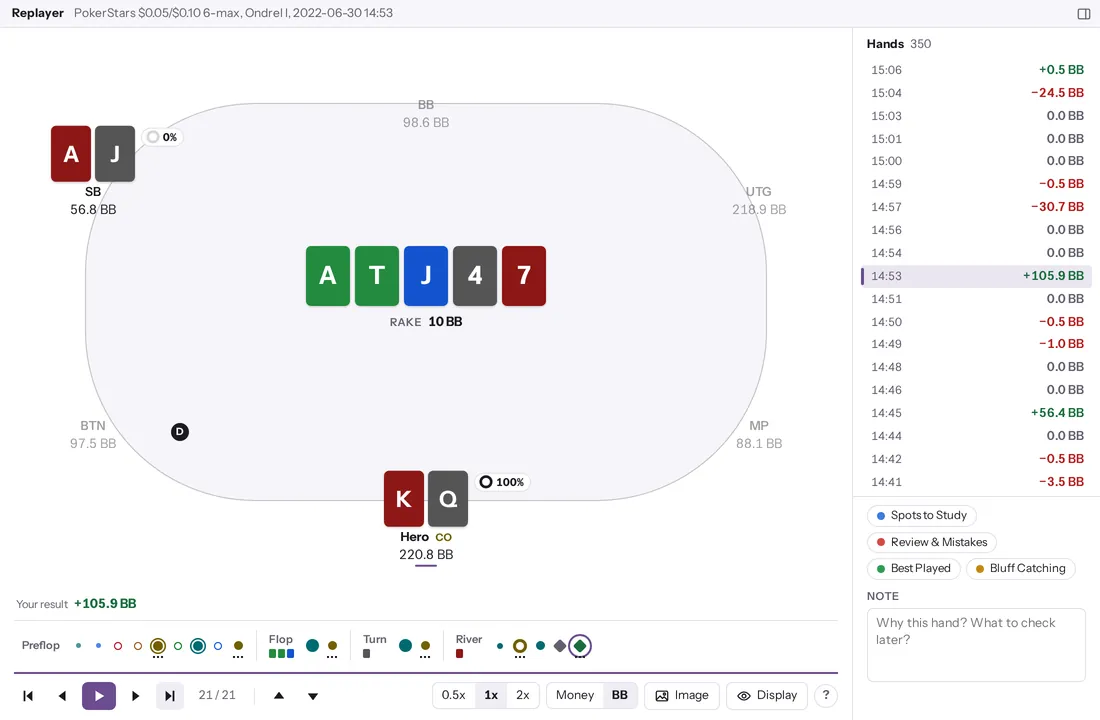
Find your leaks, spot by spot.
Insights compares what you earn in each spot, from first in to the river, with the regulars in your database at the same positions and stakes. Fix this week names a spot only when you clearly earn less there. Until then, it tells you about how many more hands it needs.
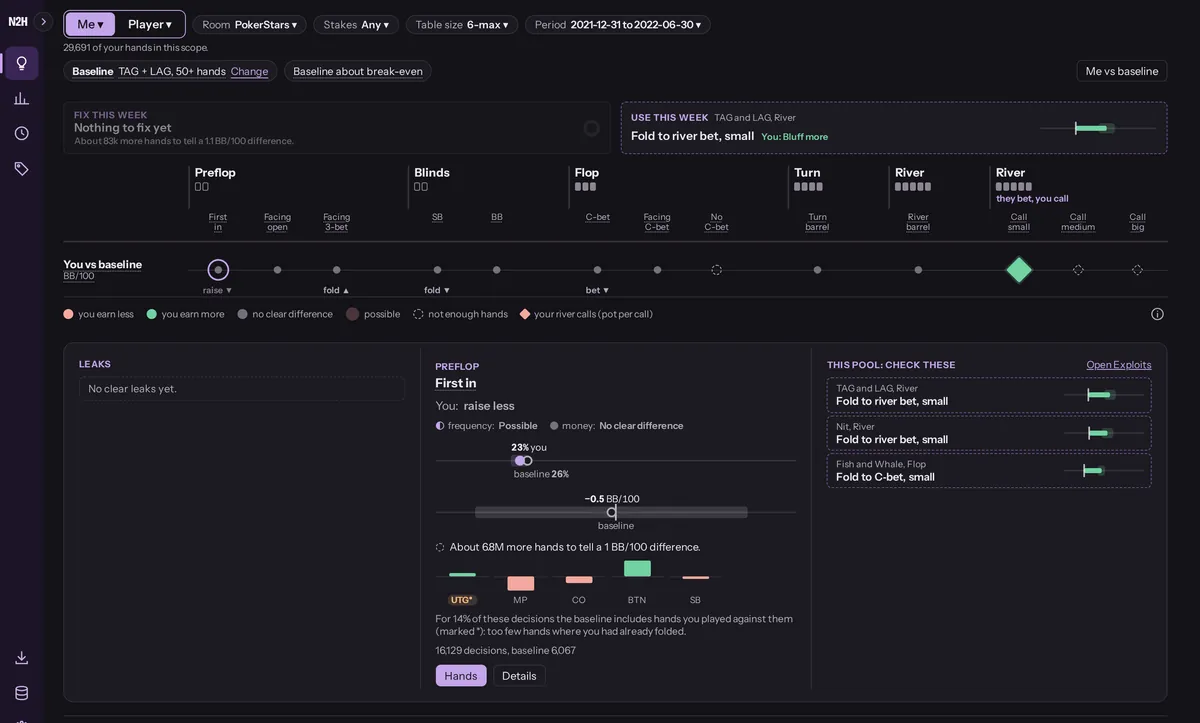
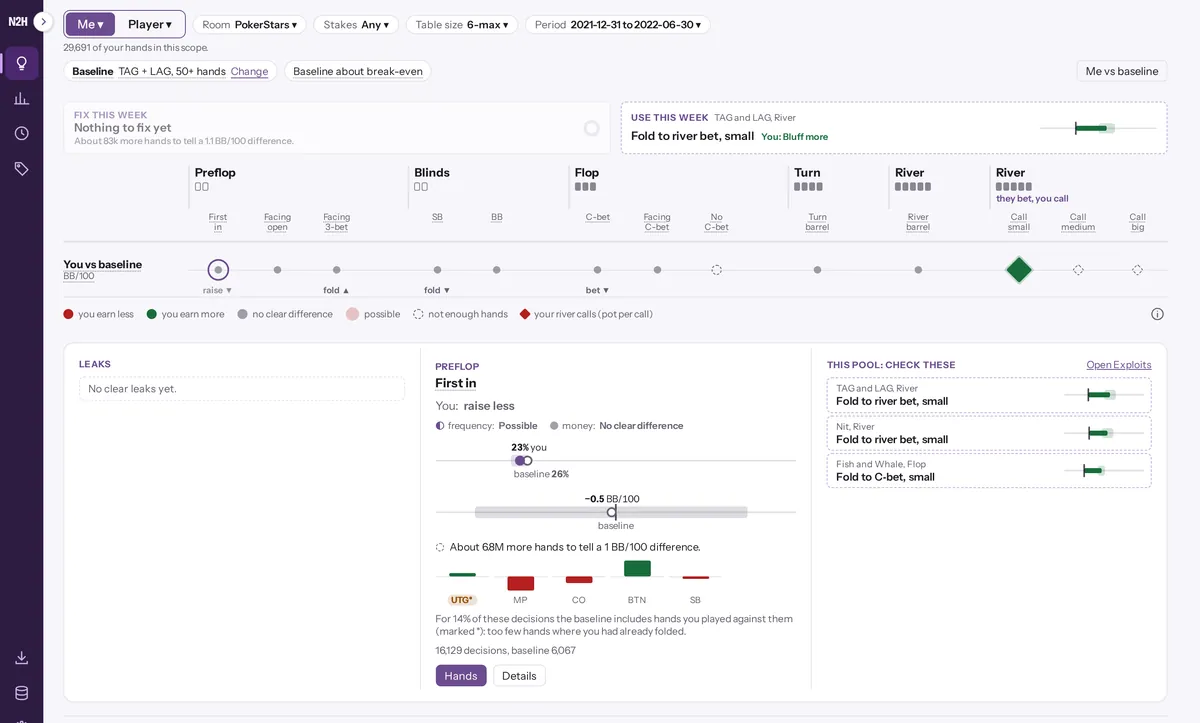
Exploit the pool, by player type.
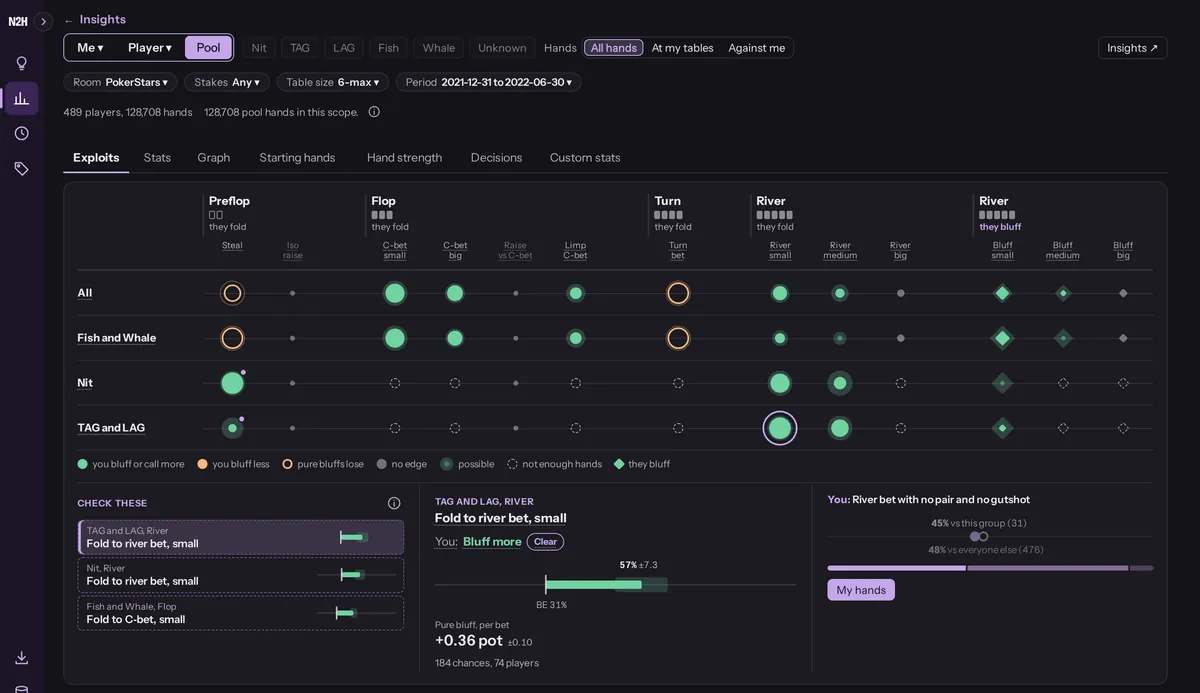
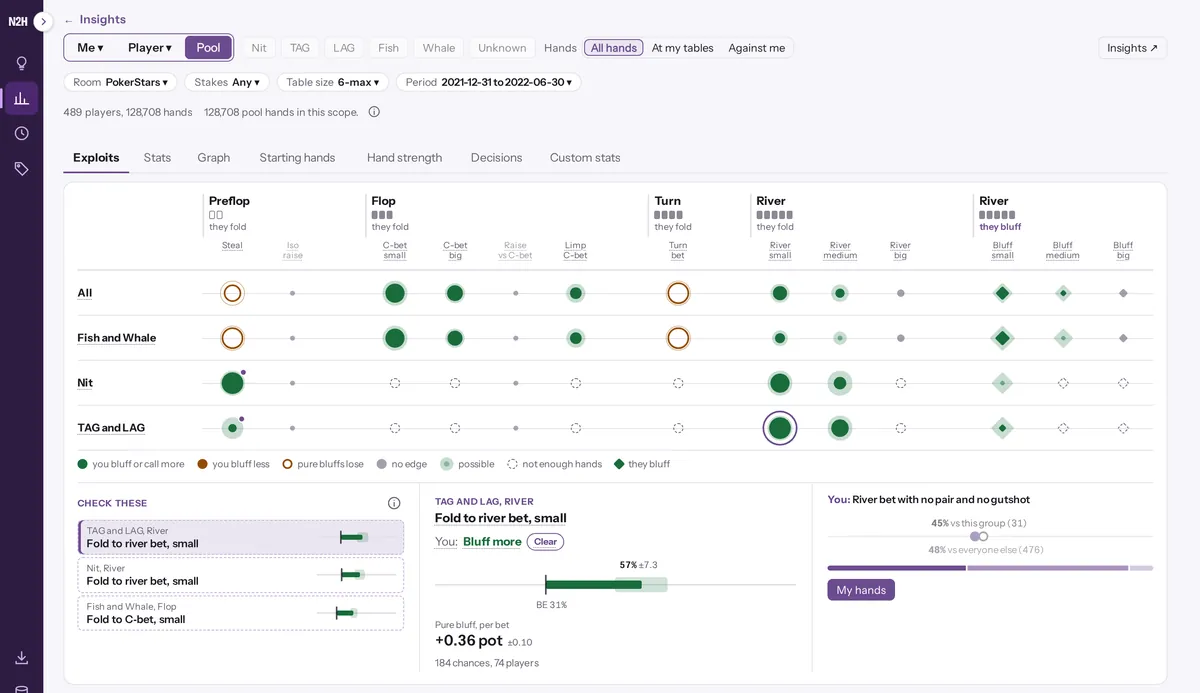
The Exploits sheet in Pool shows, street by street, how often each player type folds to a bet or bluffs the river: All, Fish and Whale, Nit, and TAG and LAG. Each number sits next to its break-even, with rake counted, and gets a verdict such as Bluff more once there are enough hands. Pick a dot to see what a pure bluff earns per bet and how often you bluff that group compared with everyone else. Rooms that hide player names show All only.
Share a hand as an image.
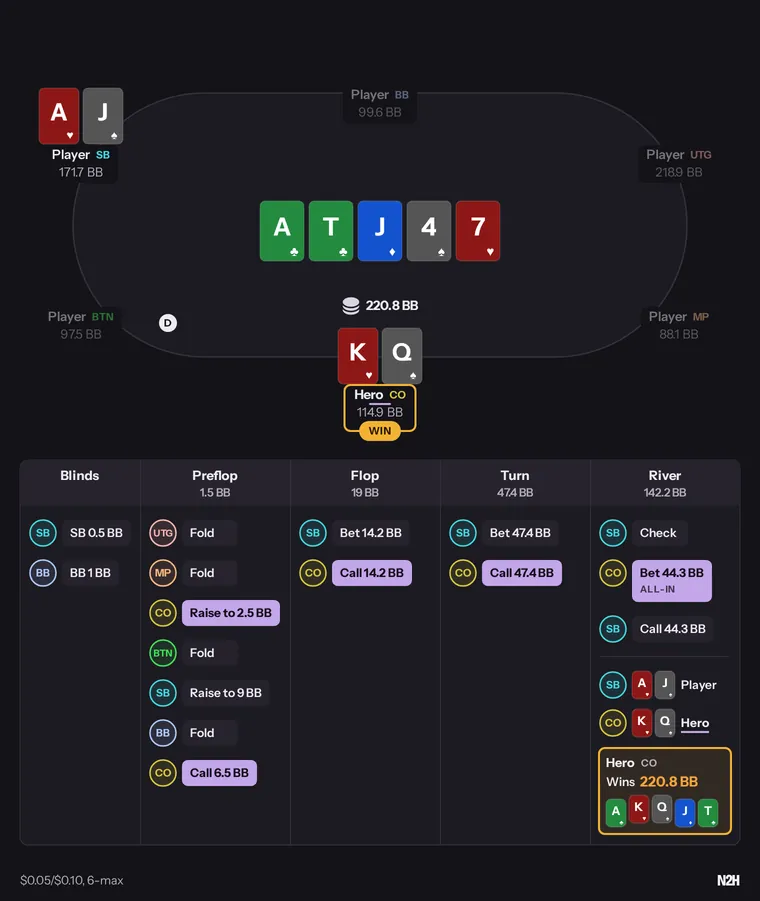
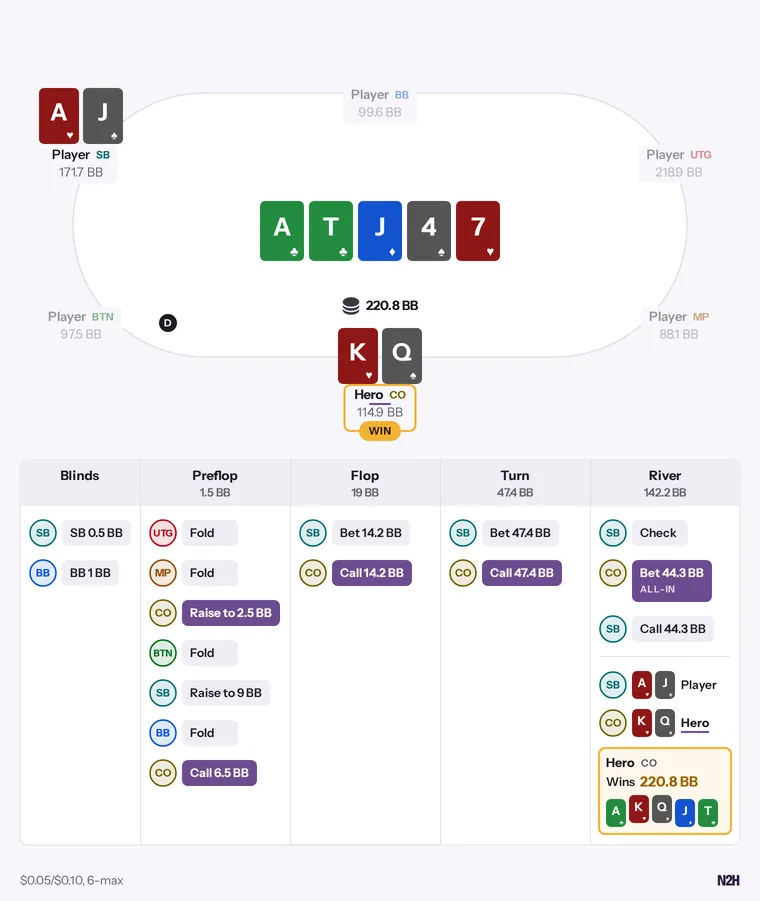
Press Image in the replayer or in a hand's details, then copy it to paste into Discord or a forum post, or save it as a PNG. Nicknames are hidden by default (you are Hero, the others are Player), and there is no date or room name. Pick BB or money, light or dark.
Reports you can click into.
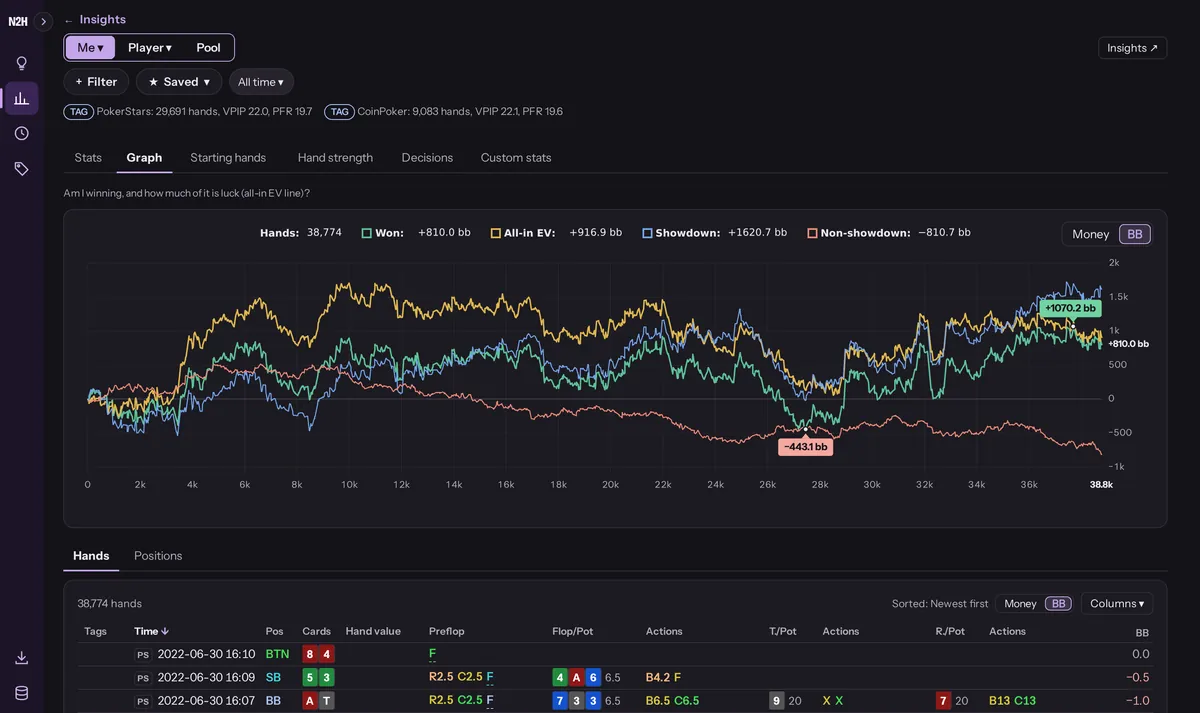
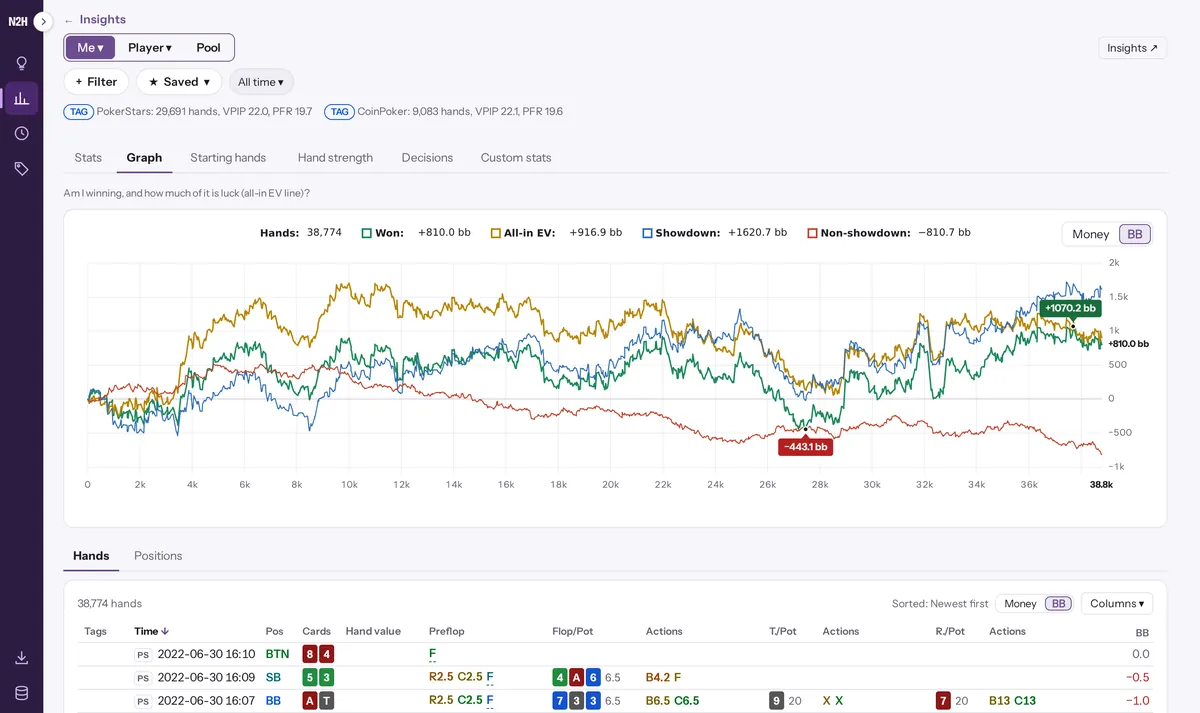
Stats, a winnings graph with all-in EV and showdown lines, starting hands, positions and decisions, all under the same filters. Click any number, row or grid cell, and the hands behind it are listed below, ready to replay.
Want this on your own hands? Join the free beta